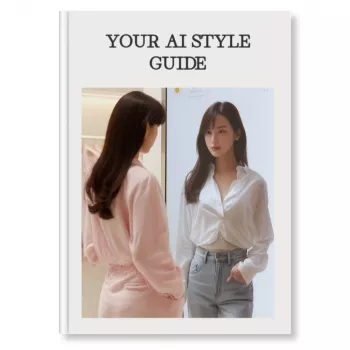
Making an AI style photo means taking a regular image (or a brand-new idea) and using an AI generator to transform it into a specific look—like anime, cinematic portrait, watercolor, retro film, or 3D render. The quickest path is to start with a clear photo, choose a style, and fine-tune a few settings so the result still looks like the original subject.
1) Pick your source image. Use a sharp, well-lit photo with the face or main subject clearly visible. Busy backgrounds can confuse the transformation, so a simpler scene often produces cleaner results.
2) Choose an AI tool and mode. Look for an “image-to-image” or “style transfer” option if you want to keep the same pose and composition. If you’re starting from scratch, use “text-to-image” and describe the subject plus the art style.
3) Select a style reference. Many tools let you choose a preset (anime, oil paint, cyberpunk) or upload a reference image that captures the mood, color palette, or brushwork you want.
4) Adjust strength and realism controls. A higher style strength pushes the artwork further from the original photo; a lower strength preserves likeness and details. If the tool includes a “face” or “identity” setting, increase it to keep facial features consistent.
5) Generate multiple variations. Small changes can dramatically improve results. Create several versions, then pick the best and refine it with light edits such as cropping, color correction, or background cleanup.
Use high-resolution images, avoid heavy compression, and keep the subject centered when possible. If hands, text, or fine patterns look odd, try regenerating with a slightly lower style strength or a simpler background.
For a detailed walkthrough with extra examples and tool-specific guidance, visit How to Make an AI Style Photo.
Style transfer modifies an existing photo into a new artistic look while keeping the same subject and composition. AI avatars typically generate a new portrait based on training images or identity features, which can change facial details more dramatically.










Leave a comment